Secure Send
Sending a sensitive file over email leaves a copy in every inbox it touches, with no expiry and no record of who read it. Secure Send replaces the attachment with an encrypted link that you control: set who may open it, set when it stops working, and see exactly who accessed it and when.
Encrypted Sharing
Share a File Without Losing Control of It
An email attachment is a copy you can never take back. Once it leaves your outbox it sits in mail servers and inboxes indefinitely, and you have no way to know whether it was opened, forwarded, or leaked.
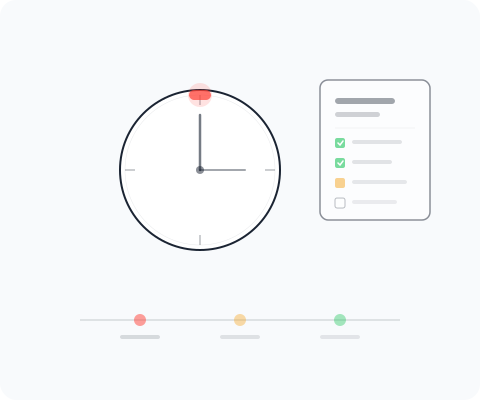
Secure Send works the other way around. The file stays encrypted at rest, and the recipient gets a link instead of a copy. You decide who is allowed to open that link, how long it stays live, and whether it needs a one-time code. Revoke it and the file is unreachable, even if the link was forwarded.
How It Works
Control Every File You Send Outside the Company
 Encrypted at Rest
Files are encrypted on upload and only decrypted for a recipient who passes the access check. Nothing sensitive travels as a plain attachment.
 Upload and Share
Drop in a file and get a link. Send that link to an auditor, a customer, or a supplier without adding them to any internal system.
 Expiring Access
Set an expiry date or a maximum number of opens. When the limit is reached the link stops working, so old shares do not stay live for years.
 Access-Controlled Links
Restrict a link to named email addresses and require a one-time code. Revoke it at any time, and every open is written to an access log.
Related
Where Secure Send Fits
Secure Send is one of the platform tools. Here is how it connects to the others.
- Documents
Store and version your security documents internally, then use Secure Send when one of them needs to reach someone outside the organisation.
- Trust Center
For material you publish openly to every prospect, the Trust Center is the front door. Secure Send covers the files that stay private.
- Export
Export produces the reports and data extracts. Secure Send is how you hand one of those extracts to an external party under control.
- Integrations
Where a partner needs an ongoing connection rather than a single file, Integrations sets up the live link instead.


Stop Sending Sensitive Files as Attachments
Book a personal demo and see how encrypted, expiring links keep every external share under your control.