Documents
Security documents end up scattered across shared drives, chat threads and personal laptops, and nobody is sure which copy is current. Documents gives them one home: a central store with full version history, folders to organise by team or topic, and reusable templates so a new document starts from a known-good baseline.
One Store
One Place, One Current Version
The moment a document exists in three folders and two inboxes, you have lost track of the truth. Someone edits an old copy, another version circulates by email, and the file an auditor eventually receives is not the one in force.
Documents keeps a single authoritative copy of each file. Every save adds to the version history, so you can see what changed, when, and by whom, and roll back if needed. Folders keep the store organised, and templates let you spin up a new document from a structure your team has already agreed on.
What You Get
A Document Store Built for Security Teams
 Central Store
Keep every security document in one place, organised into folders by team, topic or standard, so people find the file they need without asking around.
 Version History
Every save is kept. See what changed, when and by whom, compare against an earlier revision, and roll back when a change needs undoing.
 Reusable Templates
Start a new document from an agreed structure. Templates keep formatting and required sections consistent across everyone who writes one.
 Clear Metadata
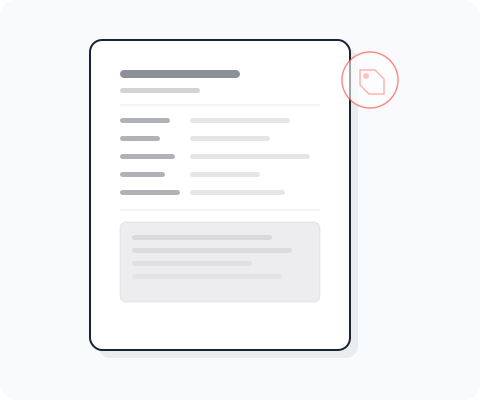
Each document carries an owner, a category and its revision, so it is obvious what a file is, who is responsible for it, and whether it is current.
Related
Where Documents Fits
Documents is one of the platform tools. Here is how it connects to the others.
- Compliance
Documents stores and versions the files. When a policy needs an approval and acknowledgement lifecycle, that is handled in Compliance.
- Secure Send
When a stored document needs to reach someone outside the organisation, Secure Send shares it as an encrypted, expiring link.
- Trust Center
Reports and certificates you offer publicly are held here, so the Trust Center always links the current, versioned file.
- Export
Where you need document data or an inventory out of the platform, Export produces it as a CSV, JSON or API extract.


Give Your Documents One Home
Book a personal demo and see how a versioned central store keeps everyone working from the current file.